
Google Ads for Small Businesses: How to Stop Burning Budget and Maximize ROAS
The performance advertising blueprint to eliminate wasted click spend, master negative keywords, and build high-converting PPC funnels.

- 1. Where Small Business Google Ads Budgets Get Wasted
- 2. Negative Keyword Strategies: Stopping Accidental Spend
- 3. Single-Theme Ad Groups & Precision Intent Matching
- 4. Landing Page Alignment: Driving Quality Scores to 9/10
- 5. Smart Bidding vs Manual CPC: Setting the Right Target CPA
- 6. Full-Funnel Conversion Tracking & Profit Attribution
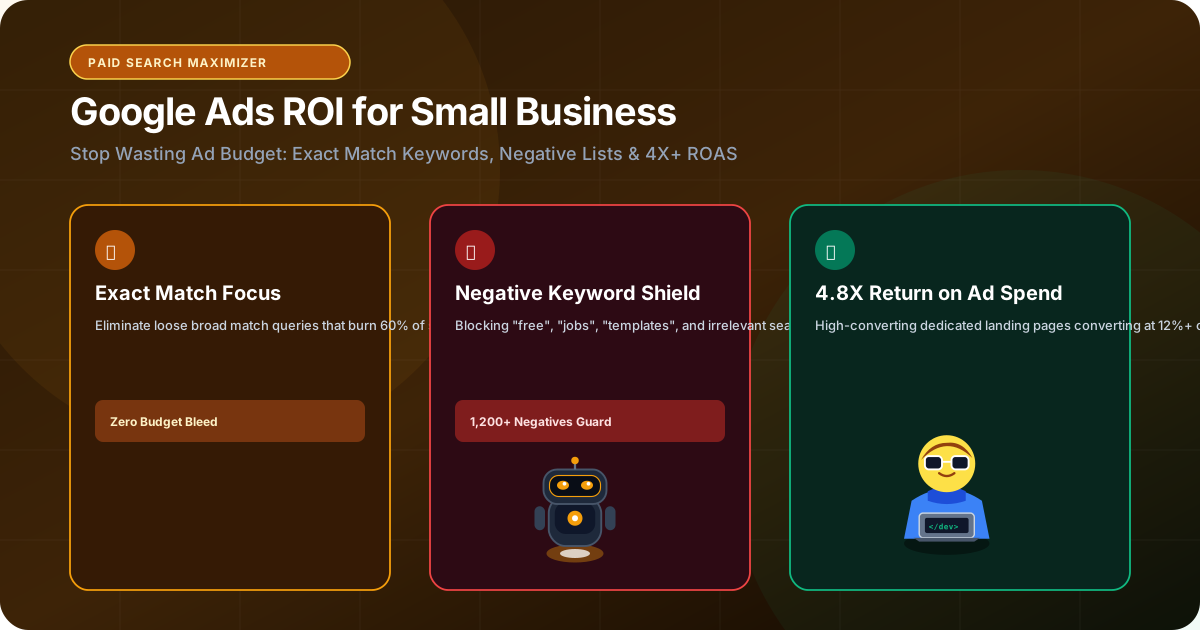
Google Ads is the fastest way to generate immediate customer inquiries, but for most small and mid-sized businesses, it feels like burning cash in a digital fireplace. Business owners deposit ₹25,000 or ₹50,000 into a campaign, watch their budget evaporate in 7 days on irrelevant clicks, receive zero qualified phone calls, and conclude that 'Google Ads doesn't work for our industry'. In reality, Google Ads works exceptionally well—Google generated over $240 billion in advertising revenue precisely because it prints money for companies that operate with technical discipline. The problem is that Google's default campaign settings (Smart Campaigns, broad match keywords, automated partner networks) are designed to maximize Google's profits, not yours. This guide reveals how small businesses can cut 40% of wasted ad spend and build predictable 5x to 10x ROAS campaigns.
1. Where Small Business Google Ads Budgets Get Wasted
The default trap: Broad match and uncurated Search Partner networks
When you create a Google Ads campaign using Google's 'easy setup' wizard, Google automatically opts you into broad match keywords and the Google Search Partner and Display networks.
If you run an industrial valve company and bid on the broad match keyword 'industrial valves', Google will gladly show your ad and charge you ₹150 every time a student searches for 'industrial valve diagram free download', or a job-seeker searches for 'industrial valve technician salary in Gujarat'. None of these clicks will ever buy from you.
Audit your 'Search Terms' report today. In over 80% of unmanaged small business accounts, between 40% and 65% of total budget is spent on completely irrelevant, non-commercial search queries.
- Disable Google Search Partners and Display Network expansion on pure Search campaigns.
- Never use unconstrained broad match keywords without extensive negative keyword safeguards.
- Set strict geographic location settings to 'People in or regularly in your included locations' rather than 'People interested in'.
2. Negative Keyword Strategies: Stopping Accidental Spend
Building universal and campaign-level negative keyword libraries
Negative keywords are your account's financial armor. A negative keyword tells Google: 'If this word appears anywhere in the user's search query, do NOT show my ad, and do NOT spend my money.'
Every campaign must launch with a comprehensive universal negative keyword list containing terms like: 'free', 'jobs', 'salary', 'internship', 'course', 'pdf', 'login', 'portal', 'complaints', 'diy', 'meaning', and 'wikipedia'.
Review your search terms report weekly. Add newly discovered irrelevant queries as negative exact or negative phrase match keywords. Over 3 months, this discipline alone cuts Cost-Per-Acquisition (CPA) by 30% to 50%.
Build a shared Negative Keyword List in your Google Ads Shared Library. Apply it across all search campaigns so every new ad group is instantly protected from non-buyer traffic.
3. Single-Theme Ad Groups & Precision Intent Matching
Structuring campaigns for maximum relevance and click-through rates
Lumping 40 different keywords into a single ad group guarantees poor relevance and low CTR. If someone searches for 'emergency resort booking Lake Pichola' and your ad headline simply says 'Premier Hotel in Udaipur', they will scroll past your ad.
Group your keywords into Single-Theme Ad Groups (STAGs) containing 3 to 7 closely related phrase match and exact match keywords. Write custom Responsive Search Ads (RSAs) that mirror the exact search query in Headline 1.
High message match drives click-through rates past 8% to 12%, signaling to Google that your ad is exceptionally relevant to the user.
4. Landing Page Alignment: Driving Quality Scores to 9/10
How higher quality scores cut your Cost-Per-Click in half
Google calculates an internal Quality Score (1 to 10) for every keyword, evaluated by Expected CTR, Ad Relevance, and Landing Page Experience. Quality score functions as a direct discount multiplier on your bid.
An advertiser with a Quality Score of 9/10 pays up to 50% LESS per click to hold the #1 ad position than a competitor with a Quality Score of 4/10 who has to bid double just to stay visible.
Never send paid traffic to your generic website homepage. Send paid clicks to a dedicated, high-speed landing page engineered specifically for that ad group, featuring an exact headline match, clear benefits, client testimonials, and a frictionless inquiry form.
| Quality Score | Effective CPC Discount / Penalty | Economic Outcome |
|---|---|---|
| 10 / 10 | -50% CPC Discount | Dominates top ad position at the lowest possible cost |
| 8 - 9 / 10 | -20% to -35% CPC Discount | Highly profitable, scalable customer acquisition |
| 6 - 7 / 10 | Benchmark CPC (0%) | Average market cost; room for technical improvement |
| 4 - 5 / 10 | +25% to +50% CPC Penalty | Expensive clicks; budget drains with low inquiry yield |
| 1 - 3 / 10 | +100% to +400% CPC Penalty | Crippling ad spend; campaign burns cash rapidly |
5. Smart Bidding vs Manual CPC: Setting the Right Target CPA
Transitioning from manual control to algorithmic bidding safely
Google strongly advocates for automated 'Maximize Conversions' or 'Target CPA' bidding. However, automated smart bidding requires at least 30 to 50 verified conversions in the past 30 days to train its machine learning algorithms.
If you launch a brand new campaign on Smart Bidding with zero historical data, Google's algorithm will bid erratically, testing wild hypotheses with your real money. Always launch on Manual CPC with Enhanced CPC enabled. Once your campaign records 30+ verified inquiry form submissions, transition to Target CPA with a realistic ceiling.
6. Full-Funnel Conversion Tracking & Profit Attribution
Tracking actual phone calls, WhatsApp chats, and closed revenue
Never measure Google Ads success by clicks or CTR. Track hard business outcomes: phone call clicks, verified form submissions, and initiated WhatsApp inquiries using Google Tag Manager and GA4.
Implement offline conversion tracking by passing the Google Click Identifier (GCLID) into your CRM. When a lead closes into a ₹2,00,000 contract three weeks later, upload the conversion back to Google Ads. Google's bidding algorithm will automatically seek out more high-value buyers matching that closed deal's profile.
The Bottom Line & Next Steps
Google Ads is a precision revenue instrument when stripped of default bloat and managed with surgical keyword intent, high-speed landing pages, and disciplined tracking. At RankVRA, we engineer performance advertising campaigns and conversion-optimized landing pages that turn ad spend into profitable business growth. Explore our Google Ads management services, discover our web engineering solutions, or request a Free Growth Audit today.
Questions Business Leaders Ask About Google Ads ROI Small Business
How much should a small business budget for Google Ads per month?▾
For most regional service, B2B, or hospitality businesses in India, an effective starting budget is between ₹20,000 and ₹45,000 per month. This provides sufficient click volume (200-500 targeted clicks) to test ad copy, gather conversion data, and generate consistent customer inquiries.
What is Google Ads Quality Score and why does it matter?▾
Quality Score (1-10) measures how relevant your ad and landing page are to the searcher's keyword. A high score (8-10) gives you up to a 50% discount on Cost-Per-Click (CPC), allowing you to outrank competitors while spending significantly less budget.
Should small businesses use Smart Campaigns or Expert Mode in Google Ads?▾
Always use Expert Mode. Smart Campaigns automate targeting and bidding using broad parameters that waste up to 50% of budget on irrelevant search terms. Expert Mode gives you granular control over negative keywords, exact match types, and bid limits.
How do I stop competitor businesses from clicking my Google Ads?▾
While you cannot prevent a competitor from physically seeing your ad, Google has sophisticated automated click fraud algorithms that filter out invalid clicks and credit your account. You can also exclude competitor IP addresses or use click fraud protection tools to minimize unwanted clicks.

Written by Naveen Panchal
AuthorFounder & Lead Technical Architect, RankVRA
Naveen Panchal is the Founder and Technical Director of RankVRA. He specializes in full-stack web engineering, algorithmic search optimization, and performance funnels for hospitality, manufacturing, and local service enterprises across Rajasthan and internationally.
Want to implement these strategies for your business?
RankVRA engineers high-speed web platforms, localized Google Maps dominance, and algorithmic SEO funnels that turn searchers into long-term clients.
Related Growth Blueprints
Explore more strategic articles from the RankVRA engineering desk.
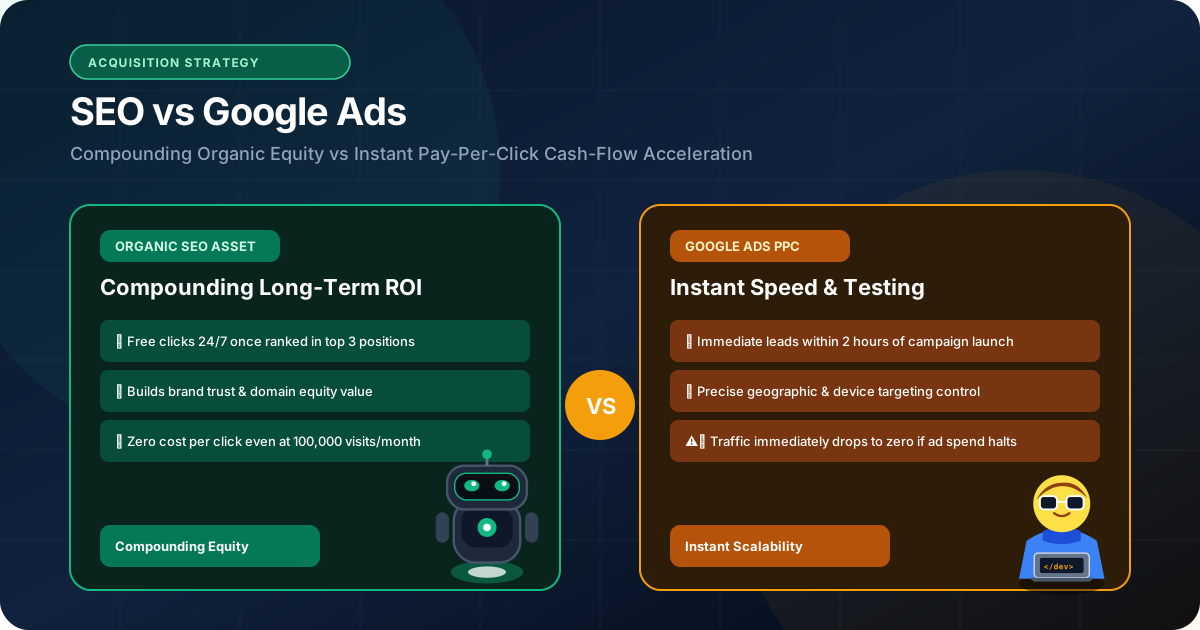
SEO vs Google Ads: Which Strategy Generates Higher ROI for Your Business? (2026 Comparison)
Struggling to choose between SEO and Google Ads? Compare costs, revenue timelines, customer acquisition economics, and learn how to run both in synergy for maximum ROI.
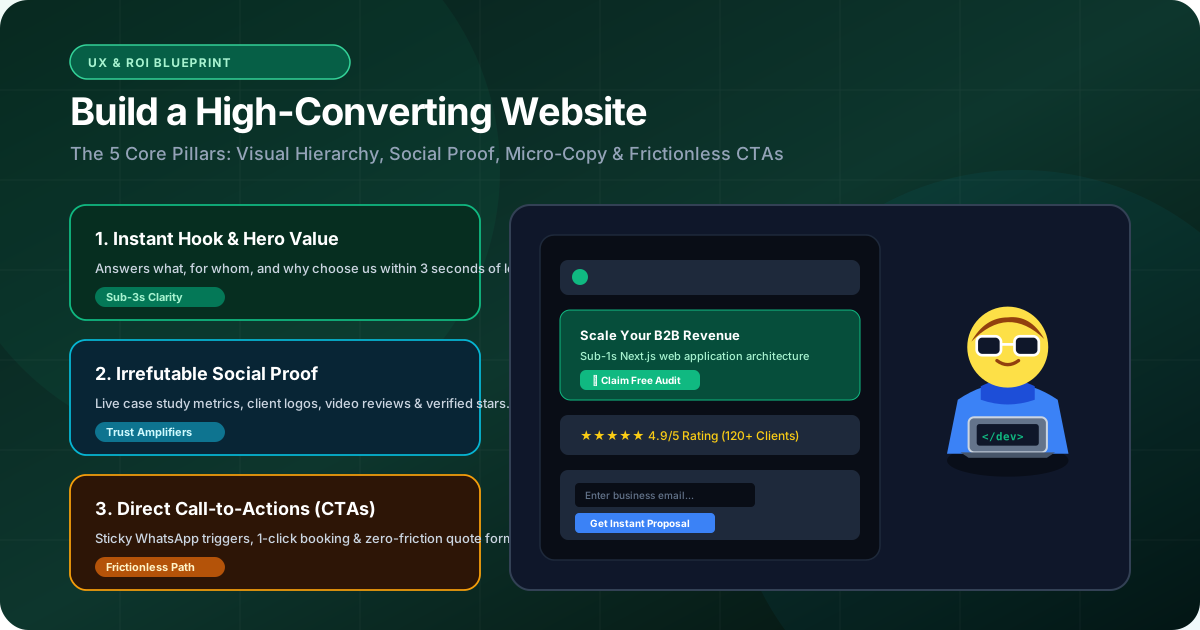
How to Build a High-Converting Website: The Blueprint That Turns Google Traffic Into Paying Customers
Learn how to build a high-converting website from scratch. Discover the exact engineering, UX design, copy structure, and speed optimizations that convert traffic into revenue.
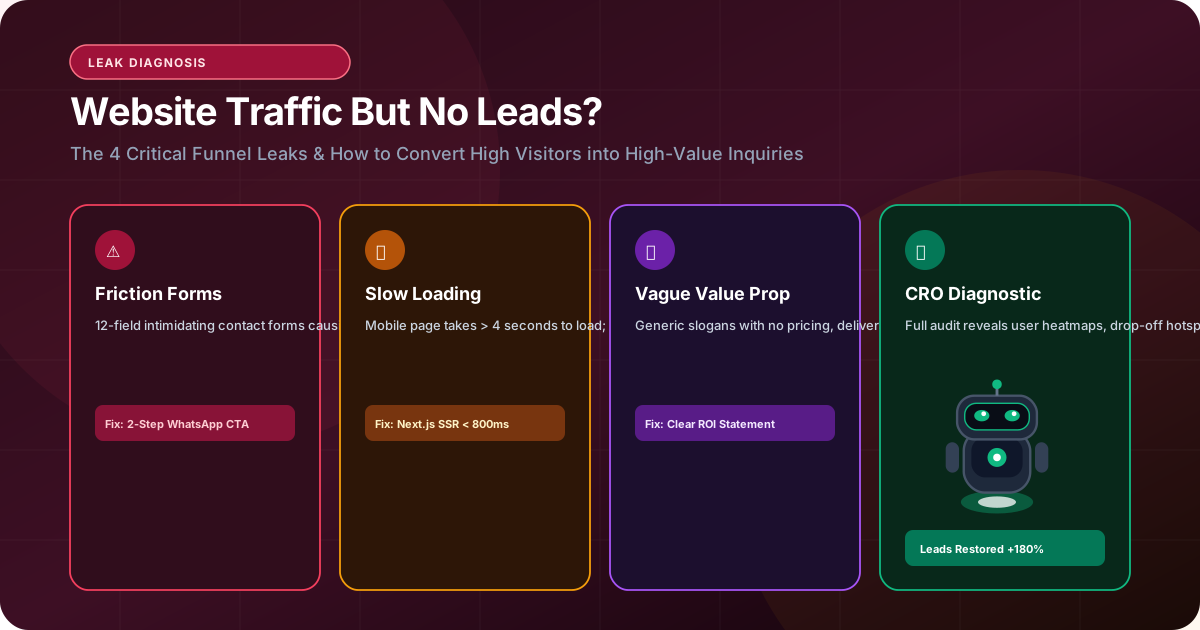
Why Your Website Gets Traffic but No Leads: 10 Conversion Fixes That Generate Inquiries
Experiencing steady website traffic but zero leads? Discover the top 10 conversion leaks—from slow mobile LCP to intimidating forms—and learn the exact fixes to drive inquiries.