
How to Build a Customer Portal for Your Business: Features, Security and Architecture
A complete technical guide to designing, architecting, and deploying secure client portals for insurance, financial services, B2B manufacturing, and client services.

- 1. The Strategic Role of Modern Customer Portals
- 2. Real-World B2B & High-Value Industry Use Cases
- 3. Case Study Blueprint: The Sterling Wholesale Insurance Portal
- 4. The 10 Essential Functional Modules of Enterprise Portals
- 5. Security, RBAC & End-to-End Document Encryption
- 6. Off-The-Shelf SaaS Portals vs Custom Portal Development
- 7. The Customer Portal Scoping & Launch Checklist
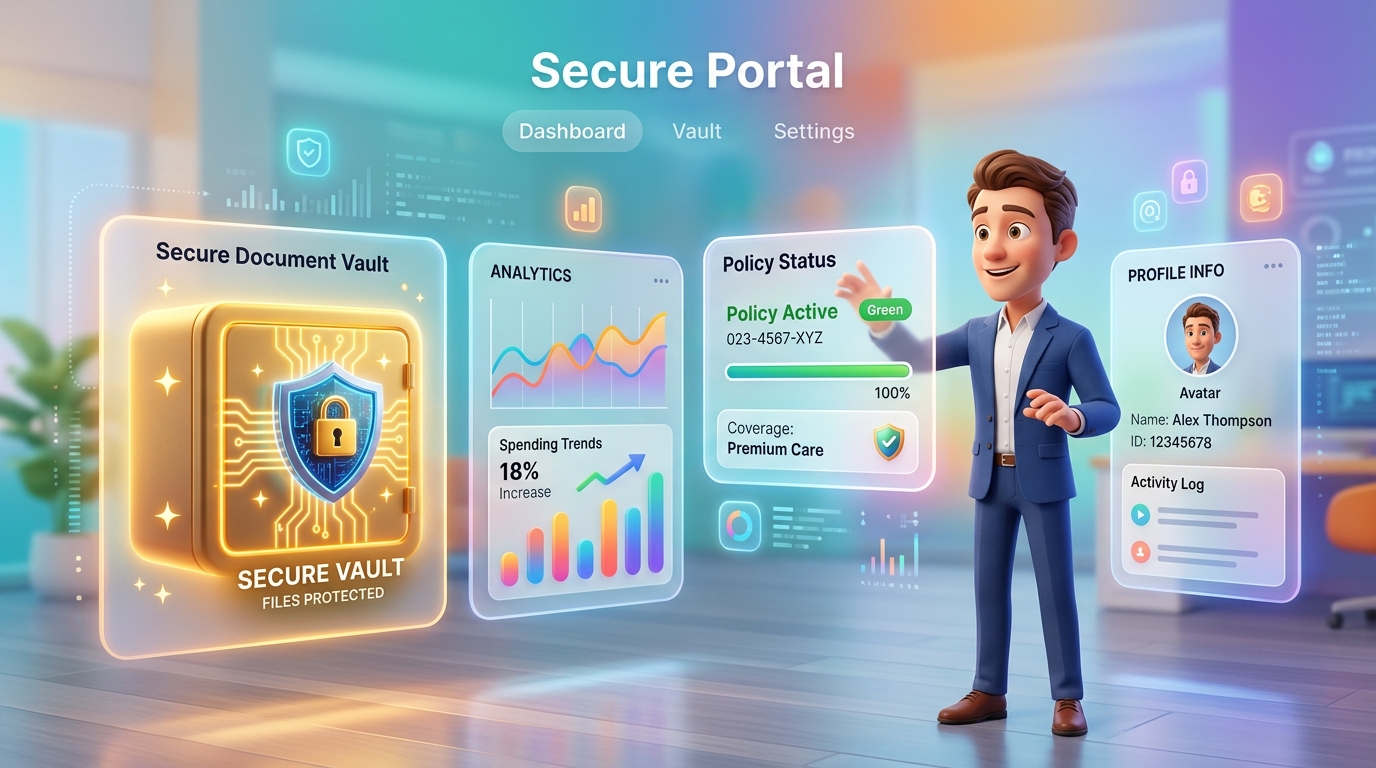
For growing commercial businesses, client communication frequently degenerates into an operational nightmare of cluttered email threads, misplaced PDF attachments, untracked phone calls, and manual spreadsheet status updates. Customers become frustrated by a lack of visibility, while internal account managers spend half their working day answering repetitive questions like: 'What is the status of my application?', 'Can you resend my invoice?', or 'Did you receive the signed contract?' A custom customer portal eliminates this friction by providing a secure, branded, self-service digital headquarters where clients can independently track projects, download confidential documents, initiate service requests, and pay invoices 24/7. In this comprehensive technical guide, RankVRA's web application development team breaks down the architecture, security standards, and workflow engineering required to build an enterprise customer portal.
Customer portal development is the engineering of secure, authenticated web applications where clients, brokers, or partners log in to track transaction statuses, exchange encrypted documents, view financial statements, submit support tickets, and execute self-service business workflows. Key technical requirements include Role-Based Access Control (RBAC), end-to-end data encryption, real-time status pipelines, and bi-directional API synchronization with internal CRM and ERP databases.
1. The Strategic Role of Modern Customer Portals
Transforming customer service from a cost center into a competitive advantage
A modern customer portal is not just a password-protected webpage; it is an authenticated operational extension of your core business software. In an era where business buyers expect consumer-grade digital self-service, providing a seamless client portal delivers measurable business returns:
• 50%+ Reduction in Inbound Support Overhead: By providing clients with real-time tracking of their orders, policy applications, or project milestones, support teams are freed from answering routine status inquiries.
• Accelerated Cash Collection: Embedding self-service invoice settlement with automated credit card and ACH payment options drastically reduces Days Sales Outstanding (DSO).
• Institutional Trust & Client Retention: Enterprise and institutional clients judge vendor reliability by their digital maturity. A sleek, high-security client portal signals institutional competence and builds enduring client loyalty.
2. Real-World B2B & High-Value Industry Use Cases
Where bespoke client portals deliver the highest commercial impact
Across our software deployments in the US, UK, Canada, and India, customer portal development drives immense value in four key sectors:
• Commercial Insurance Brokerages & Underwriters: Wholesale portals allowing independent brokers to submit risk applications, upload Statements of Values (SOVs), receive live underwriter quotes, and bind commercial policies online.
• Financial Advisory & Wealth Management: Secure portals for net-worth reporting, investment performance analytics, tax document distribution, and encrypted document signature exchanges.
• B2B Manufacturing & Industrial Distribution: Customer portals allowing wholesale buyers to view customized negotiated price lists, check real-time factory inventory, track freight shipments, and download material test reports.
• Professional Service Agencies & Consultancies: Client portals organizing deliverable milestones, project timelines, shared asset repositories, and change-request approvals in a centralized workspace.
3. Case Study Blueprint: The Sterling Wholesale Insurance Portal
Examining real-world enterprise portal architecture in action
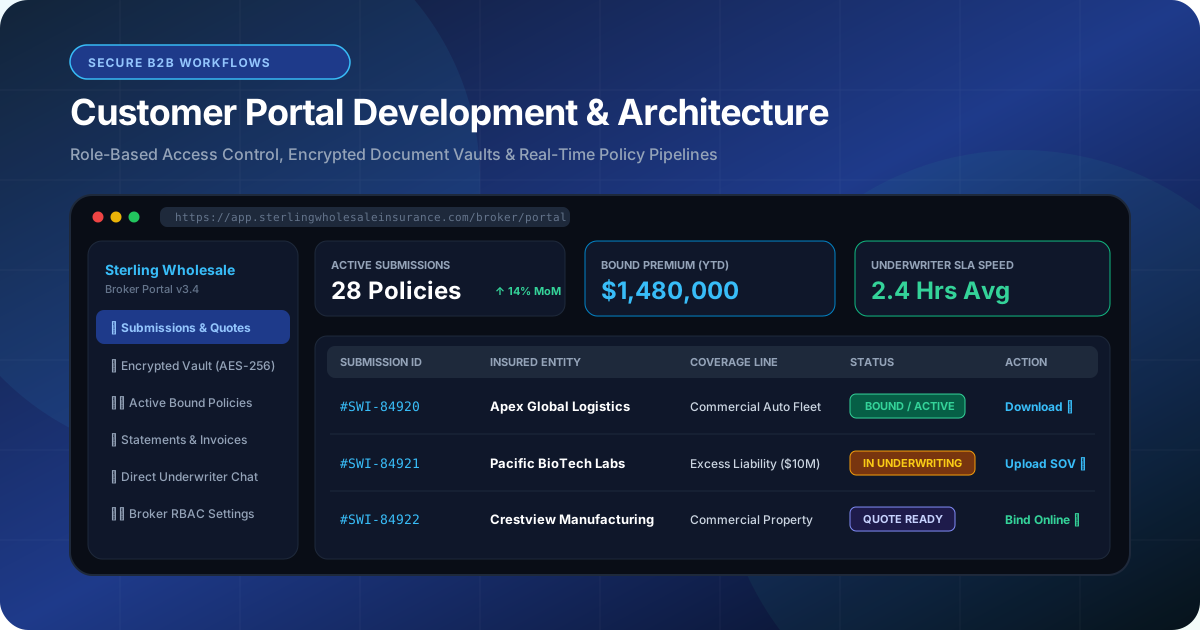
To understand what separates an amateur client dashboard from an enterprise business portal, consider RankVRA's real-world work on the Sterling Wholesale Insurance Portal.
In commercial wholesale insurance, independent retail brokers submit high-value liability and property risks that require detailed underwriter review. Handling this via fragmented emails resulted in lost documents and delayed binding times.
RankVRA architected a bespoke, multi-tenant broker portal featuring:
1. Multi-Step Policy Submission Engine: Allowing brokers to enter complex commercial risk data with automated client-side validation, ensuring applications are 100% complete before submission.
2. Encrypted Document Vault: Secure cloud storage (AES-256 encryption at rest) with granular permission gates for loss runs, financials, and policy declarations.
3. Real-Time Underwriter Status Telemetry: Brokers can see exactly where their submission sits in the pipeline ('Received', 'Underwriting Review', 'Quote Issued', 'Bound / Active') with automated email notifications upon status changes.
4. Granular Broker RBAC: Agency principals can view and manage all brokers within their brokerage, while individual brokers only see their assigned policy submissions.
This custom architecture compressed policy turnaround time from days into hours, giving Sterling a substantial operational edge.
4. The 10 Essential Functional Modules of Enterprise Portals
The core components every customer dashboard requires
When architecting a customer portal, we build across 10 functional modules:
1. Multi-Factor Authentication (MFA/2FA): Secure login via SMS OTP, authenticator apps (TOTP), or enterprise SSO (Google Workspace / Microsoft Entra ID).
2. Role-Based Access Control (RBAC): Strict permission boundaries separating Client Admins, Team Members, Read-Only Auditors, and Internal Staff.
3. Real-Time Activity & Status Dashboard: At-a-glance visualization of open tasks, project milestones, or order stages.
4. Encrypted Document Repository: Categorized file upload and download vaults with virus scanning and version history.
5. Secure Direct Messaging: Threaded communication tied directly to specific projects or invoices, eliminating lost email attachments.
6. Billing & Invoicing Engine: Viewing historical invoices, downloading tax receipts, and paying outstanding balances via Stripe or ACH rails.
7. Self-Service Profile & Team Management: Allowing client administrators to invite, edit, or revoke access for their own team members.
8. Automated Notifications: Multi-channel event alerts via email, SMS, and in-app bell notification feeds.
9. Custom Reporting & Analytics: Dynamic charts and CSV data exports detailing account performance or transaction logs.
10. Audit Logs & Compliance Tracking: Immutable timestamps recording every user login, document download, and configuration change.
5. Security, RBAC & End-to-End Document Encryption
Preventing cross-tenant data leaks and securing confidential business assets
In customer portal engineering, security is paramount. A single data leak—where Client A accidentally views an invoice or document belonging to Client B—can trigger catastrophic legal liabilities, regulatory fines, and reputational destruction.
To ensure absolute data isolation, our backend development team implements multi-layered security gates:
• Database-Level Multi-Tenancy & Row-Level Security (RLS): In our PostgreSQL architectures, every data query is scoped strictly to the authenticated user's organization UUID. Even if a malicious actor manipulates URL parameters, the database engine rejects unauthorized queries at the driver level.
• Cryptographic File Tokenization: Documents stored in cloud object storage (AWS S3 or Google Cloud Storage) are never publicly accessible via direct URLs. The portal backend generates short-lived, cryptographically signed pre-signed URLs (valid for 5 minutes) only after validating user permissions.
• End-to-End Encryption: All data in transit is encrypted using TLS 1.3, while stored databases and document vaults utilize AES-256 encryption.
Never build a customer portal using basic CMS membership plugins that store files in public web directories (/wp-content/uploads/). Public file paths can be indexed by search engines or scraped by automated bots.
6. Off-The-Shelf SaaS Portals vs Custom Portal Development
Evaluating third-party portal tools against bespoke software engineering
Many organizations initially evaluate off-the-shelf portal SaaS products (like Copilot, Client Portal, or SuiteDash). While these tools offer quick setup for simple freelance or coaching businesses, growing mid-market companies quickly outgrow them:
• Workflow Inflexibility: Third-party SaaS portals force your clients into rigid, generic templates. You cannot build custom underwriting calculators, complex multi-step intake wizards, or proprietary data models.
• Per-Seat Subscription Escalation: SaaS portals charge per client or per user. When your company scales to 5,000 active portal users, subscription costs can easily exceed $1,500/month.
• Lack of Deep Database Integration: Generic SaaS portals cannot natively sync with your custom internal ERP, proprietary database, or custom CRM without clunky third-party middleware.
With custom development, you invest once in building an asset that aligns 100% with your operational workflows, carries zero per-client licensing fees, and becomes your company's proprietary IP.
7. The Customer Portal Scoping & Launch Checklist
A tactical roadmap for planning your customer portal project
Follow these steps to define your customer portal scope:
• Audit the top 5 most frequent client requests currently received by your support or operations team.
• Map out all required user roles and specify exactly what each role can create, view, edit, or delete.
• Determine what internal business tools (CRM, accounting, ERP) must feed data bi-directionally into the portal.
• Define your compliance and security requirements (HIPAA, SOC2, GDPR, or state insurance licensing mandates).
• Plan a staged rollout: Launch with a beta cohort of 10 trusted clients to gather usability feedback before migrating your entire client base.
Key Strategic Takeaways
- A modern customer portal automates routine client inquiries, accelerates invoice collection, and builds institutional trust.
- Essential functional modules include MFA authentication, RBAC permissions, encrypted document vaults, and live status pipelines.
- The [Sterling Wholesale Insurance Portal](/case-studies/sterling-insurance-portal) is a proven real-world model of bespoke broker workflow automation.
- Security requires Row-Level Security (RLS) at the database layer and pre-signed cryptographic URLs for document downloads.
- Custom portals eliminate ongoing per-seat SaaS licensing fees while providing 100% alignment with proprietary company workflows.
The Bottom Line & Next Steps
Building a custom customer portal is one of the highest-leverage digital investments an ambitious commercial business can make. By replacing messy email exchanges with an intuitive, bank-grade digital client headquarters, you streamline internal operations, protect confidential data, and deliver a client experience that sets your brand miles apart from legacy competitors.
Questions Business Leaders Ask About customer portal development
How long does it take to develop a custom customer portal?▾
A standard custom customer portal with secure authentication, document management, and billing integration typically requires 8 to 14 weeks from initial wireframing to production deployment. Highly complex enterprise portals with multi-system ERP integrations typically take 16 to 24 weeks.
Can a customer portal integrate with our existing CRM or ERP?▾
Yes. At RankVRA, we engineer customer portals using an API-first decoupled architecture. We build secure bidirectional connectors to sync your portal with HubSpot, Salesforce, Zoho, QuickBooks, NetSuite, or proprietary internal SQL databases.
Are customer portals mobile-friendly?▾
Yes. All custom portals developed by RankVRA are engineered as fully responsive web applications that adapt fluidly to smartphones, tablets, and desktop viewports. Portals can also be configured as Progressive Web Apps (PWAs) allowing clients to install the portal directly to their phone's home screen.
How do you ensure clients only see their own data?▾
We enforce multi-tenant isolation at the database level using Row-Level Security (RLS) in PostgreSQL, combined with cryptographic JSON Web Tokens (JWT). Every API request cryptographically validates the user's tenant ID, making it technically impossible for a user to query another client's records.

Written by Naveen Panchal
AuthorFounder & Lead Technical Architect, RankVRA
Naveen Panchal is the Founder and Technical Director of RankVRA. He specializes in full-stack web engineering, Next.js architecture, and high-performance digital systems for clients across the US, UK, Canada, and India.
Explore Core Commercial Capabilities
Bespoke B2B web applications, customer portals, and internal tools.
Secure cloud runtimes, API bridges, and high-performance databases.
Connect client portals with your CRM, ERP, and payment rails.
How RankVRA engineered a wholesale insurance broker portal.
- OWASP: OWASP Authentication & Authorization Best PracticesOfficial Reference
- NIST: NIST Guidelines on Access Control and RBACOfficial Reference
- PostgreSQL Global Development Group: PostgreSQL Row Level Security DocumentationOfficial Reference
Ready to Build a Secure, High-Performance Customer Portal?
Consult with RankVRA senior software engineers to map out your customer portal user roles, document workflows, and security requirements. Let us help you eliminate administrative overhead and delight your clients.
Related Growth Blueprints
Explore more strategic articles from the RankVRA engineering desk.
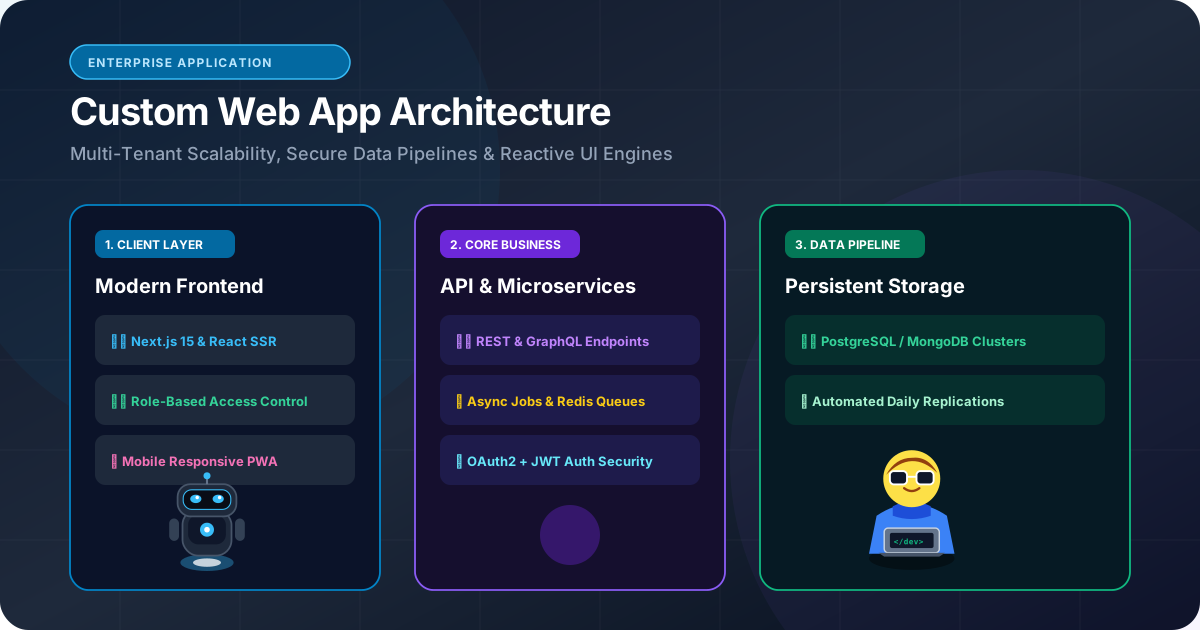
Custom Web Application Development: When Should a Business Build a Custom Web App?
When should a business build custom web applications instead of subscribing to SaaS? Learn how custom portals, wholesale dashboards, and bespoke workflows deliver compounding ROI.
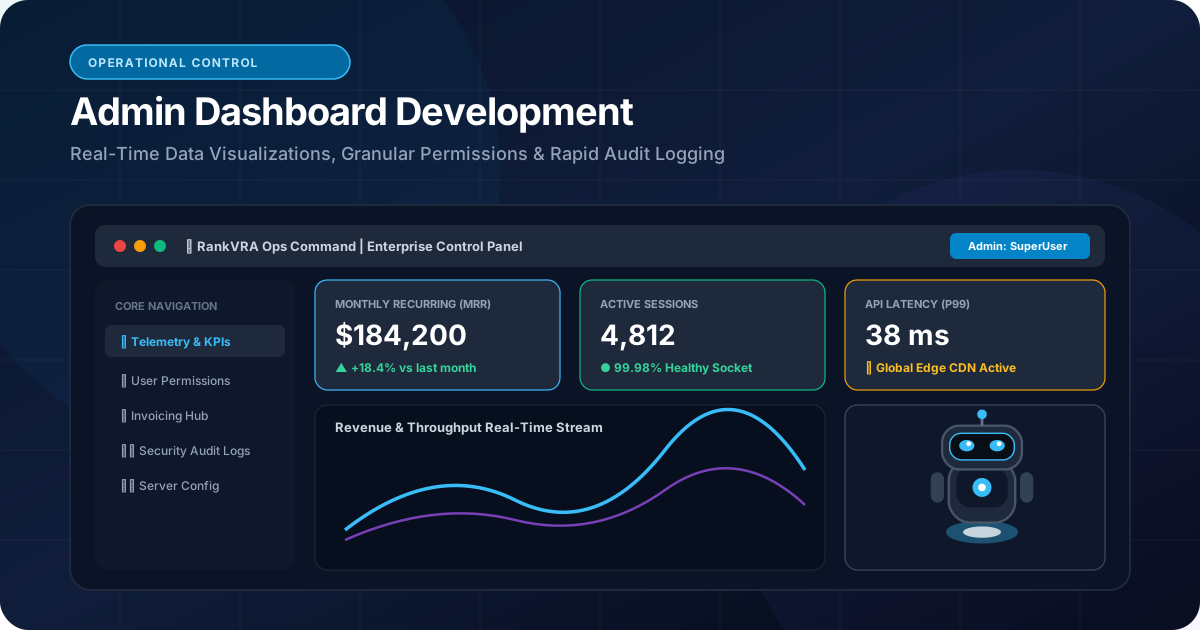
How to Build an Admin Dashboard for a Business: Architecture, Security & UX
Learn how to build custom admin dashboards. Master data visualization, role-based access control (RBAC), real-time business telemetry, and secure CRUD operations.
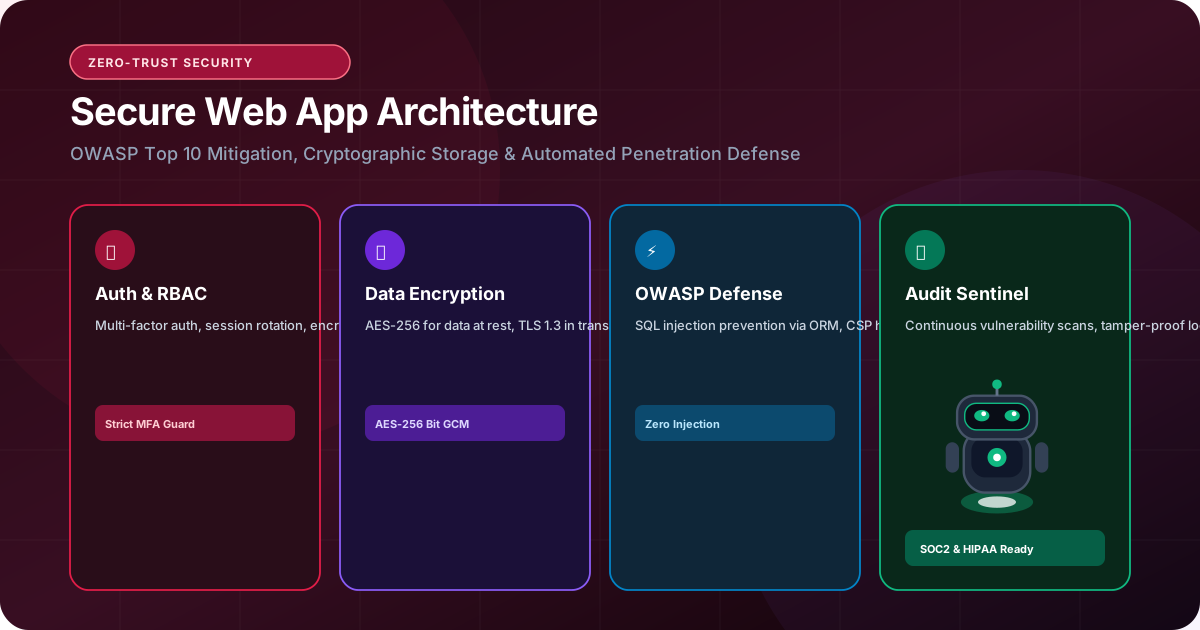
How to Build a Secure Business Web Application: The Enterprise Hardening Guide
Learn how to build secure business web applications. Defend against OWASP Top 10 vulnerabilities, secure API authentication, protect databases, and enforce zero-trust.
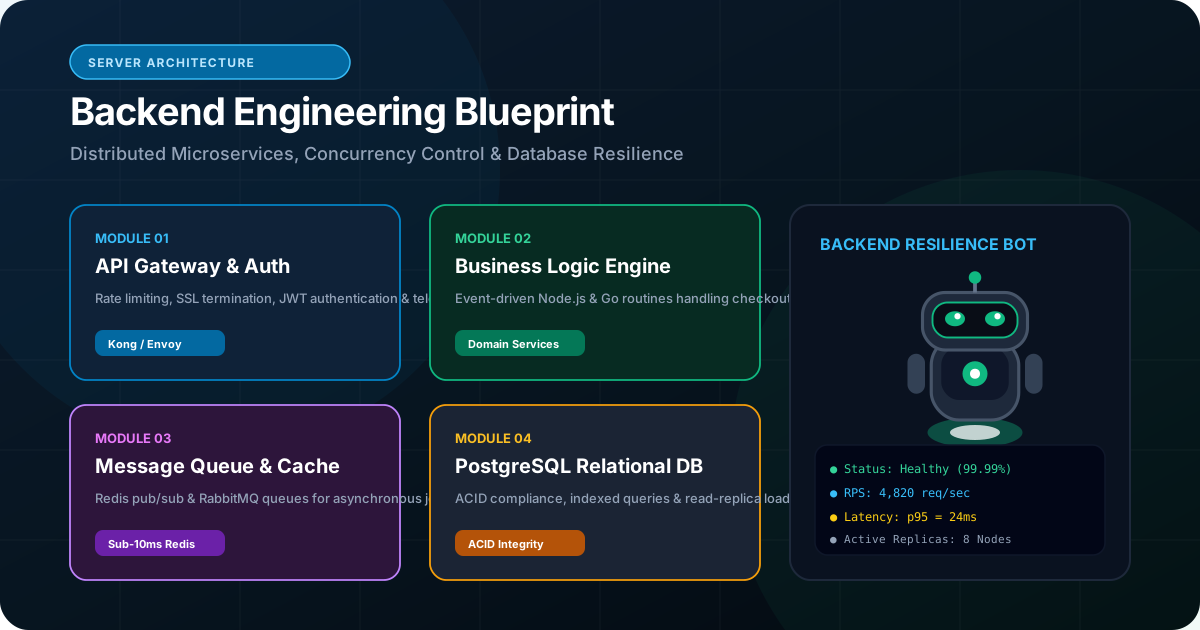
What Is Backend Development and Why Is It Important for Modern Web Applications?
Demystify backend development. Discover how server architectures, relational databases, Node.js, Python, and OWASP security protect and scale business web applications.